This guide explains how to set up and use Single Sign-On (SSO) in RollCall. SSO allows your staff and parents to log in using your school’s identity provider (e.g., Microsoft 365, Google, Okta) instead of separate RollCall credentials.
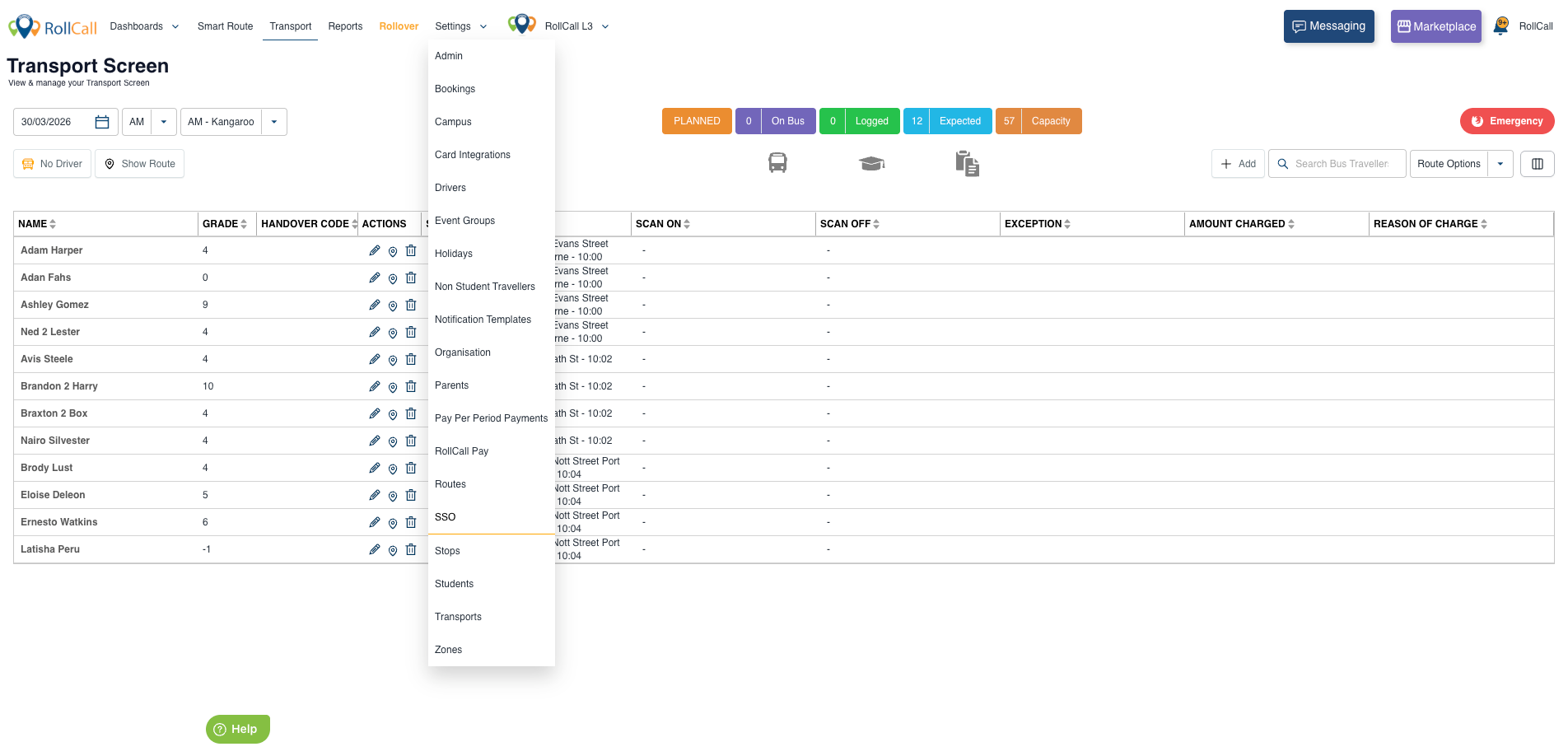
Access the Integration from the menu option - Settings/SSO.
Overview
RollCall SSO is:
- Self-service – no manual configuration required
- Secure – uses SAML 2.0 authentication
- Flexible – supports multiple providers (Microsoft, Google, Okta, ADFS, etc.)
- Testable before launch – you can validate setup before enabling it
SSO Login Flow (Step-by-Step)
Use the diagram below as a reference for how authentication works:
SSO Flow Diagram
Next Steps:
Was this article helpful?
That’s Great!
Thank you for your feedback
Sorry! We couldn't be helpful
Thank you for your feedback
Feedback sent
We appreciate your effort and will try to fix the article