Schools using RollCall Pay now have a dedicated dashboard for monitoring payment performance and transaction activity.
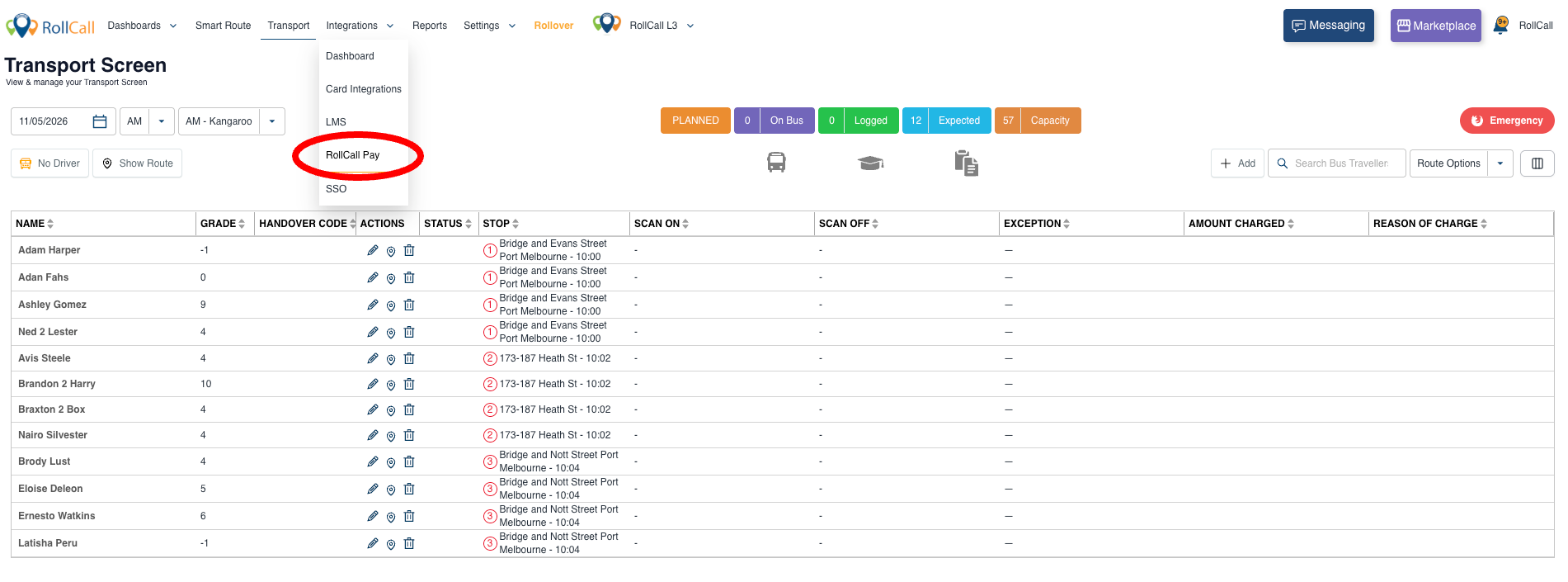
Access the dashboard from the menu option - Integrations/RollCall Pay.
The dashboard includes:
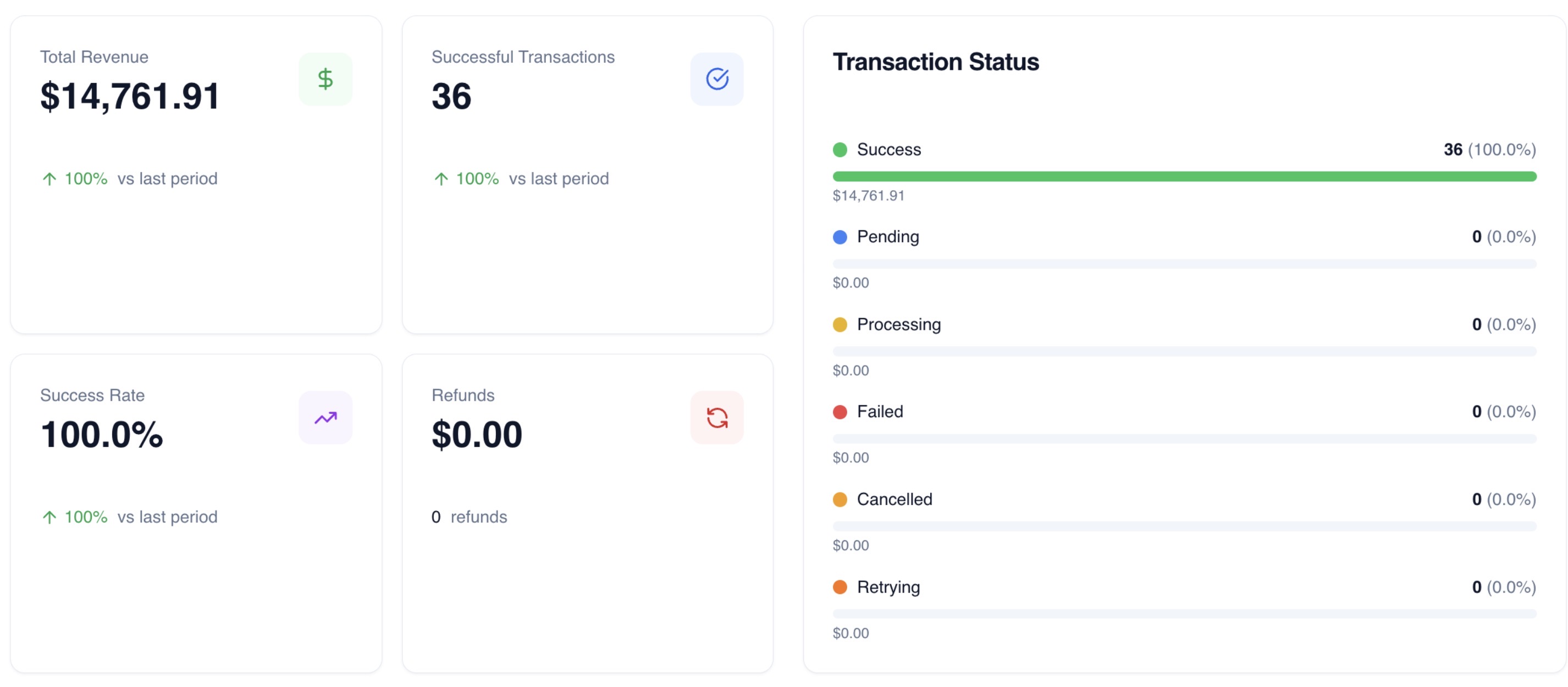
Revenue overview — total revenue, transaction counts, success rate and refunds
Revenue trends — 30-day revenue chart with daily breakdown
Status breakdown — successful, pending, failed, cancelled and refunded transactions
Transaction table — recent transactions with student details, status badges and searchable records
Transaction detail view — drill into individual transactions, including payer information and payment method details

Other Payment Gateway Help Guides
Was this article helpful?
That’s Great!
Thank you for your feedback
Sorry! We couldn't be helpful
Thank you for your feedback
Feedback sent
We appreciate your effort and will try to fix the article